Drop in your ZIPs
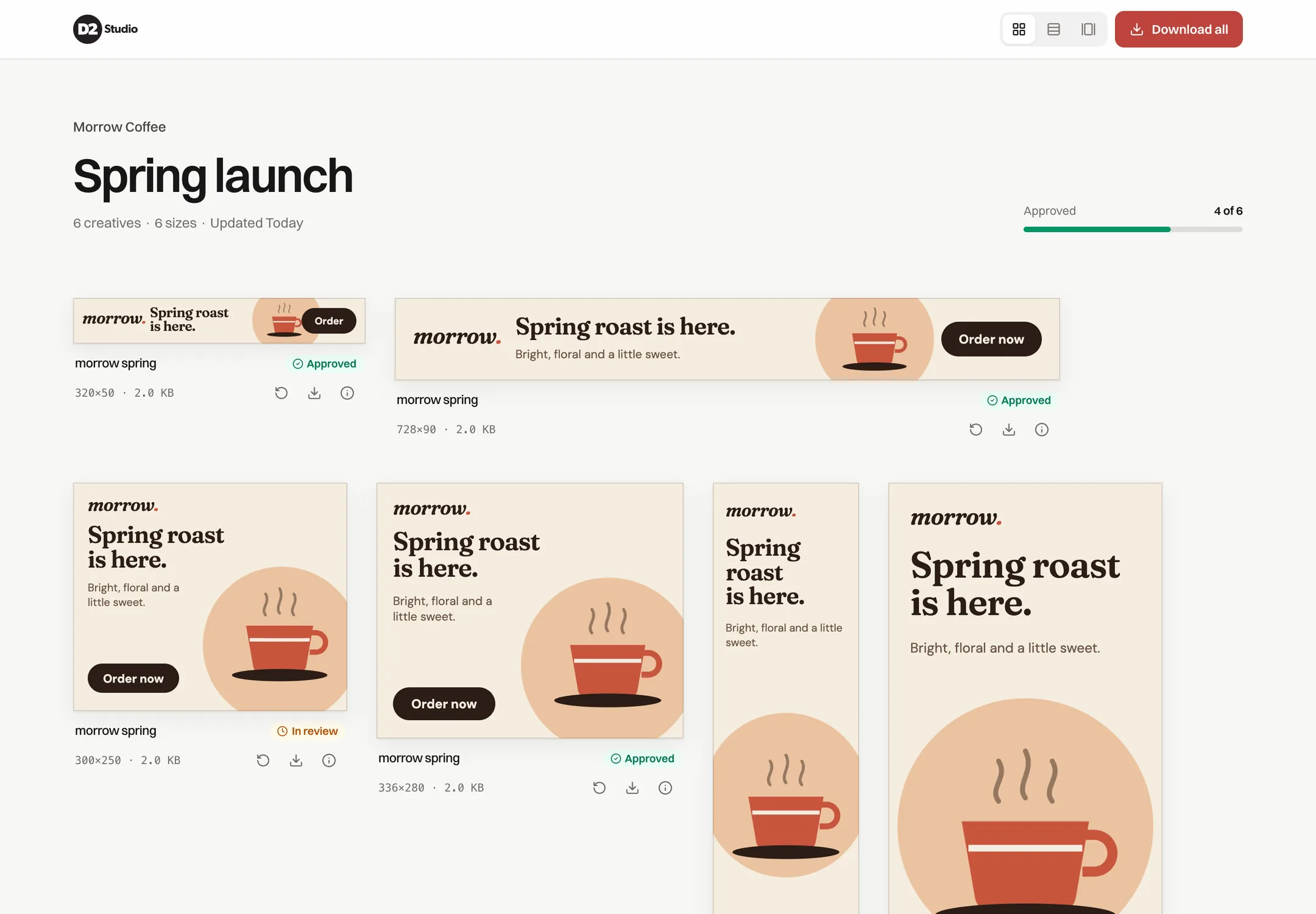
Drag a folder of ZIPs onto a campaign. Previewer reads each size from the ad.size tag or the file name and puts every banner in place. HTML5, video, images and links to hosted banners all work.
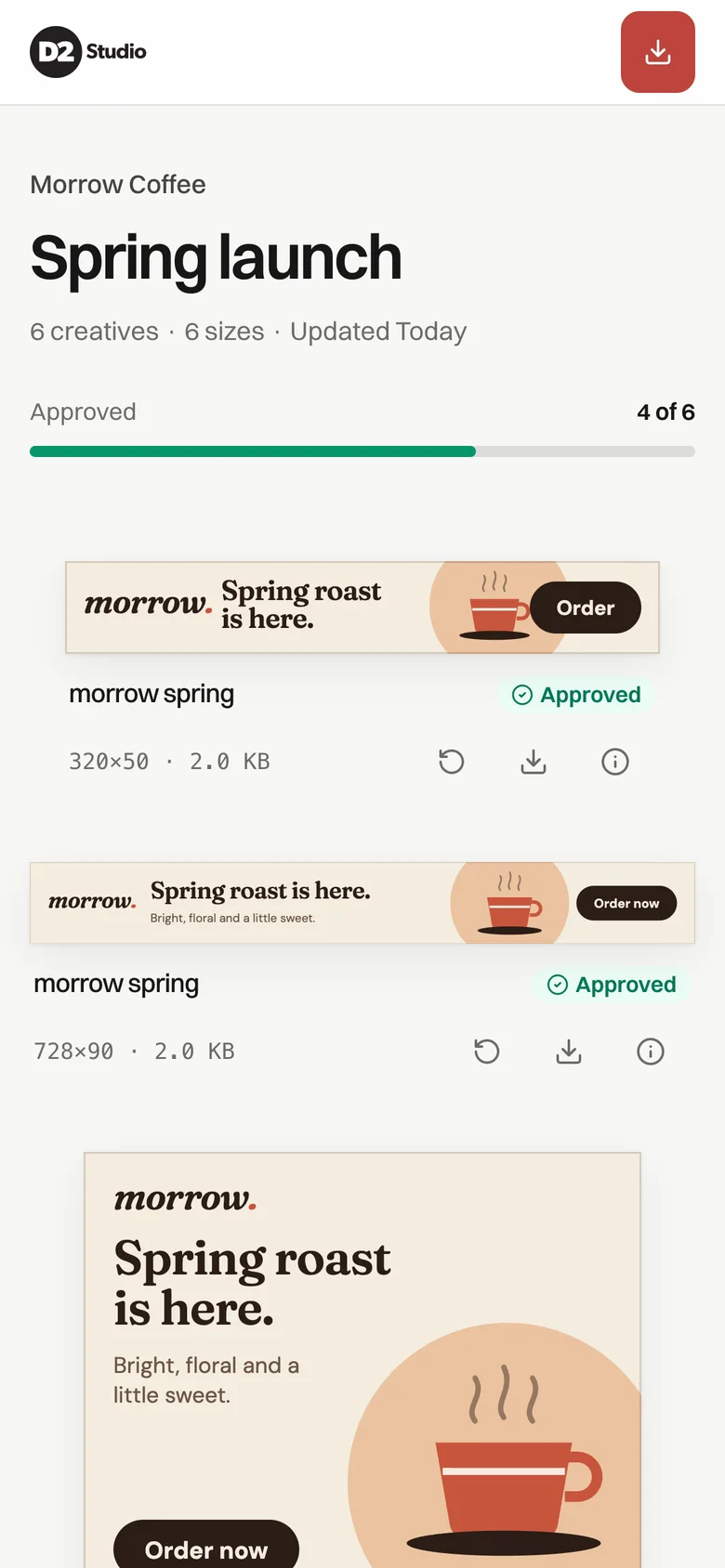
Previewer reads the sizes, lays out every banner and makes the backup images. Your client opens the link and sees everything running live, on any device.
For studios with a Previewer account.
No account yet? Ask for one
Features
Drag a folder of ZIPs onto a campaign. Previewer reads each size from the ad.size tag or the file name and puts every banner in place. HTML5, video, images and links to hosted banners all work.
It opens in any browser, on desktop or phone, with nothing to download. The link is private, and when you replace a banner the same link shows the new version.
Previewer plays each HTML5 banner, waits for the last frame and saves it as a JPG within the file size limit. For one banner or the whole campaign.
One ZIP with every banner and its backup image, ready for the media agency.
You can see when your client opened the preview. Link previews in Slack or Outlook don’t count.
Mark each size as approved or in review and leave a note for the round.
Your logo, colours and theme on every preview, on your own subdomain. Or show only your client’s logo.
Admin
Send me a short note about your studio and the banners you make. I’ll set up an account so you can try it with a real campaign.